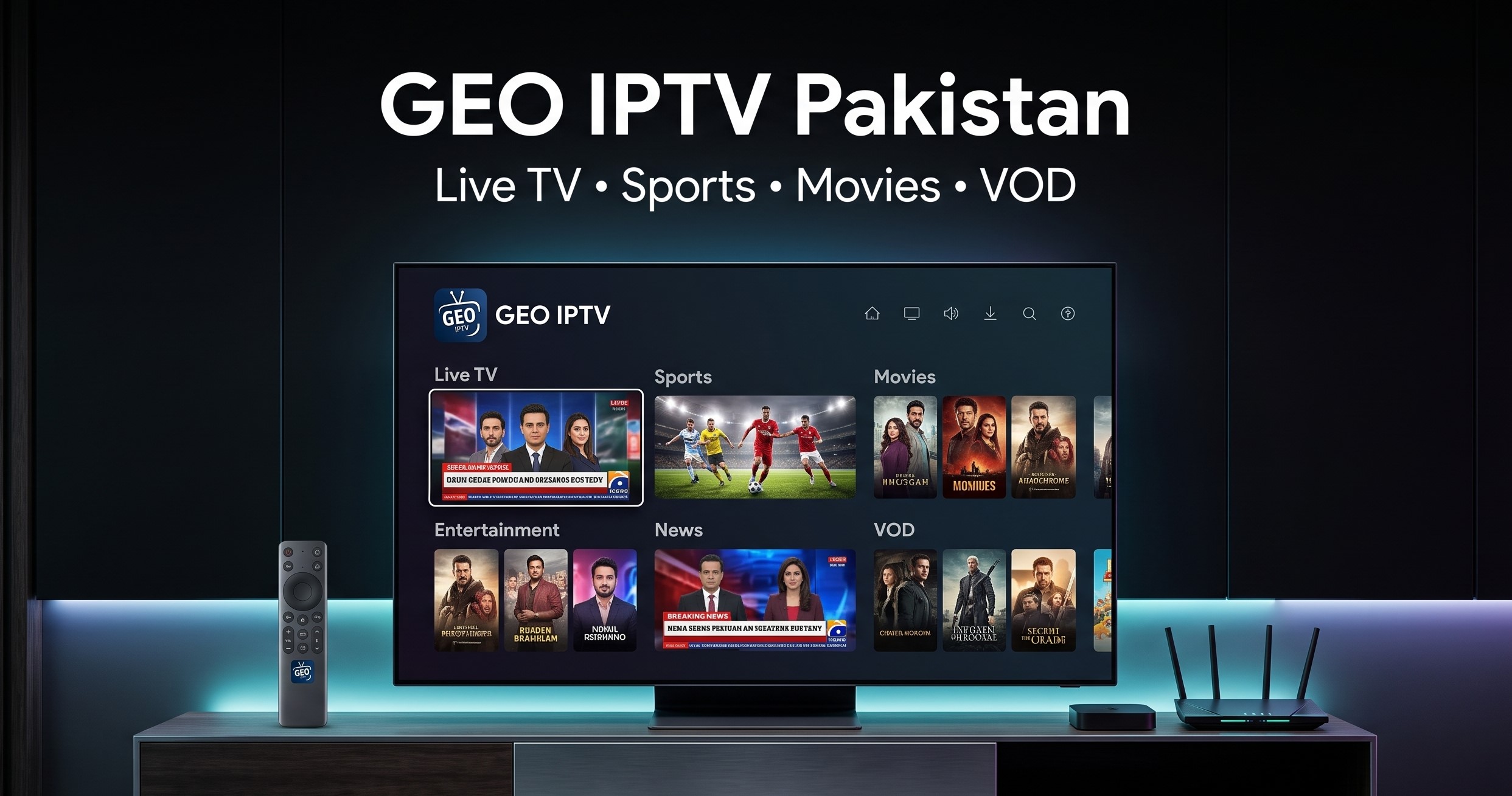
If you are searching for Geo IPTV Pakistan, you are probably looking for a convenient way to watch live television, sports, movies and entertainment through an internet connection instead of relying entirely on traditional cable or satellite television.
IPTV has become increasingly popular because it can bring live channels and on-demand content together in one service. Geo IPTV is one of the IPTV services marketed to viewers in Pakistan, offering access to a large selection of live channels and video-on-demand content through compatible devices.
But before purchasing a subscription, there are several things you should know.
How much does Geo IPTV cost in Pakistan? What channels are available? Which devices support it? How do you set it up? What internet speed do you need? And where can you get a Geo IPTV subscription?
This complete guide answers those questions and explains what Pakistani viewers should know before choosing an IPTV subscription.
Quick answer: Geo IPTV is an internet-based television service offering live channels and on-demand entertainment through compatible IPTV applications and devices. Current Geo IPTV information advertises thousands of live channels, a large VOD library and support for devices including Android, Smart TVs, PCs, MAG and M3U-compatible players.
What Is Geo IPTV?
Geo IPTV is an IPTV service that delivers television programming over an internet connection.
Instead of receiving channels through a traditional cable connection or satellite dish, IPTV uses internet-based streaming technology.
Depending on the package, IPTV services can provide:
- Live TV channels
- Sports channels
- News
- Entertainment
- International television
- Movies
- TV series
- Video-on-demand content
- HD and Full HD streams
- Electronic Program Guide features
- Support for multiple IPTV devices
The current Geo IPTV service information advertises 9,500+ live channels, 75,500+ VOD titles and more than 7,800 series, although channel and content availability can change over time.
This makes IPTV particularly interesting for viewers who want more variety than a conventional cable package can provide.
Geo IPTV Pakistan: How Does It Work?
The basic idea behind IPTV is straightforward.
Your internet connection communicates with the IPTV provider's servers, and an IPTV application receives and organizes the available channels and content.
The basic setup looks like this:
Internet connection → IPTV service → IPTV player → TV / phone / computer
After purchasing a subscription, you generally receive the information required to access the service.
Depending on the subscription and player, this may include:
- M3U playlist
- Xtream Codes/API details
- MAG activation information
- Username and password
- Server URL
You then enter the relevant information into a compatible IPTV application.
Once the connection is established, the application can load the available channel categories and VOD library.
Geo IPTV Price in Pakistan
One of the most common searches surrounding IPTV is Geo IPTV price in Pakistan.
The cost depends on the subscription duration and package.
The official Geo IPTV service currently advertises plans starting from around Rs 400 per month, with longer-duration plans also available.
At the same time, SubStore.pk currently lists Geo World IPTV Subscription for Rs 449.
You can check the current listing directly on SubStore.pk's Geo World IPTV subscription listing.
Current SubStore pricing
| ProductCurrent price | |
| Geo World IPTV Subscription | Rs 449 |
Prices and availability can change, so the product listing should always be considered the latest reference.
Why choose a longer subscription?
Longer IPTV plans can reduce the effective monthly cost compared with purchasing one month at a time.
However, if you are trying an IPTV service for the first time, a shorter subscription can be useful for evaluating:
- Streaming quality
- Channel availability
- Device compatibility
- Server performance
- Customer support
- VOD content
What Channels Are Available on Geo IPTV?
The exact channel lineup depends on the subscription and current service configuration.
The official Geo IPTV service currently advertises 9,500+ live channels, covering worldwide television programming.
The categories can include different types of entertainment such as:
Sports channels
Sports are one of the major reasons viewers choose IPTV.
Depending on the package and availability, viewers may find sports programming covering cricket, football and other international competitions.
News channels
IPTV packages can also include international news networks and regional news programming.
Entertainment channels
These can include general entertainment, drama, movies, lifestyle and television programming.
International channels
A worldwide IPTV package can provide access to television content from different countries and regions.
Movies and series
In addition to live television, Geo IPTV advertises a substantial video-on-demand library containing movies and series.
Because IPTV content can change, you should always consider the current package information rather than assuming a particular channel will remain permanently available.
Geo IPTV VOD: Movies and TV Series
VOD, or Video on Demand, is one of the most useful features offered by many IPTV services.
With traditional television, you normally watch whatever is being broadcast at a particular time.
VOD works differently.
You select available content from a library and start watching it when you want.
Current Geo IPTV information advertises:
- 75,500+ VOD titles
- 7,800+ series
- Regular content updates
These numbers are based on the service's current advertised catalog and may change as titles are added or removed.
This can make an IPTV subscription more flexible for viewers who want both live television and on-demand entertainment.
Is Geo IPTV Good for Pakistani Viewers?
Whether Geo IPTV is suitable for you depends on what you expect from an IPTV service.
It can be useful for viewers who want:
- A large selection of channels
- International television
- Live sports
- Movies and series
- VOD content
- Multiple device options
- Internet-based television
However, IPTV performance also depends on your internet connection, device, server performance and network conditions.
A service with thousands of channels is not necessarily useful if the channels you actually watch are unavailable or if your connection cannot handle the stream.
That's why it is important to consider the complete experience rather than looking only at the channel count.
Geo IPTV Supported Devices
One of the biggest advantages of IPTV is that it can work across different types of devices.
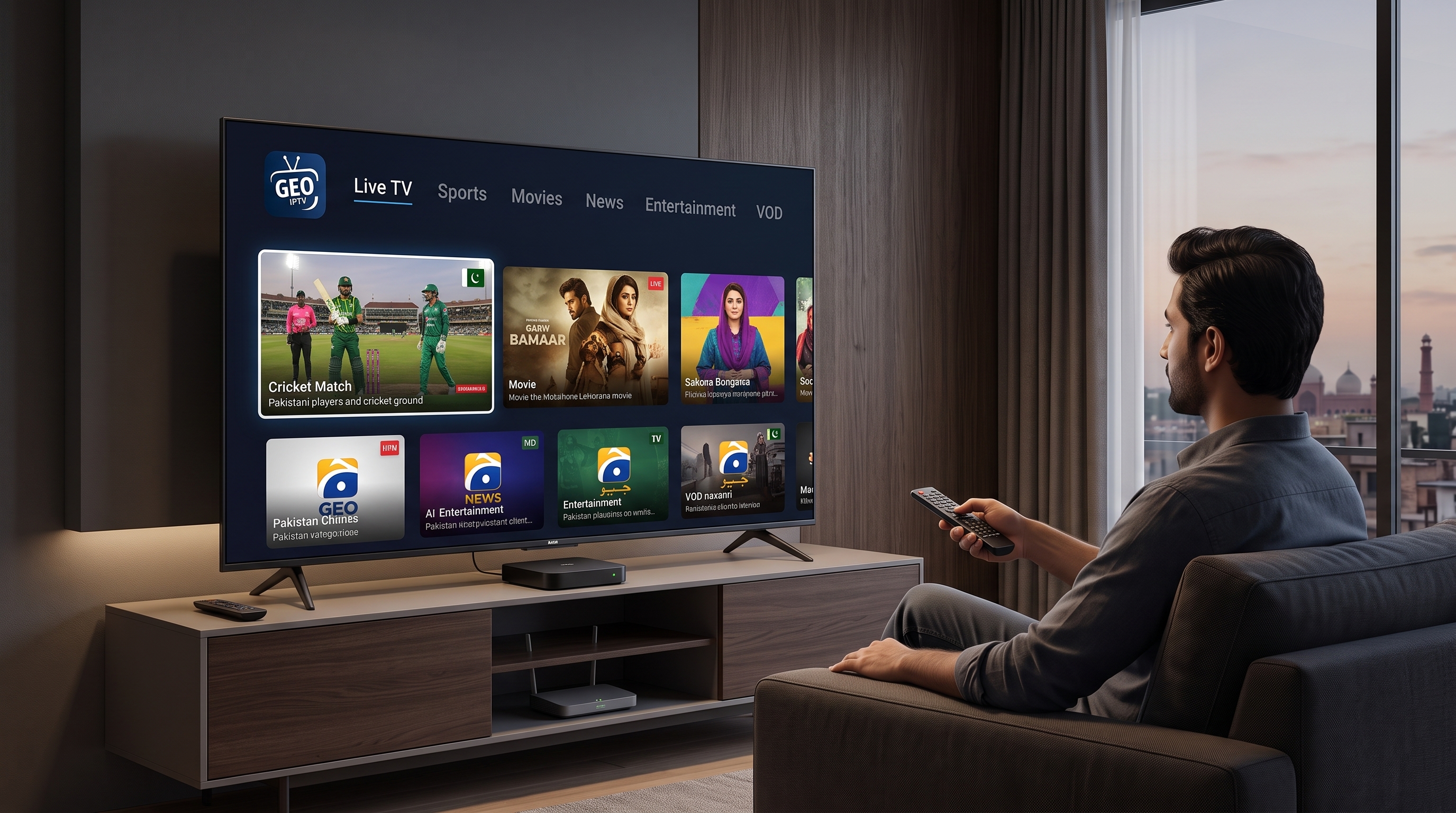
The current Geo IPTV service advertises compatibility with:
- Android phones
- Android TV
- Android TV boxes
- Smart TVs
- Amazon Fire Stick
- PCs
- MAG devices
- Enigma2 receivers
- M3U-compatible IPTV players
- Xtream Codes-compatible players
The exact setup depends on the device and the IPTV application you choose.
Before purchasing, make sure the credentials supplied with your subscription are compatible with your preferred IPTV player.
How to Install Geo IPTV on Smart TV
The exact steps depend on your Smart TV operating system and IPTV application.
However, the general process is usually straightforward.
Step 1: Connect your TV to the internet
Connect your Smart TV using Wi-Fi or Ethernet.
Step 2: Install an IPTV player
Open your television's application store and install a compatible IPTV player.
Step 3: Get your subscription details
After purchasing your Geo IPTV subscription, use the login or playlist information supplied with the service.
Step 4: Enter your credentials
Depending on the player, you may need to enter:
- Username
- Password
- Server URL
or an M3U playlist.
Step 5: Load the channels
Once the information is accepted, the IPTV player should load the available channels and categories.
Step 6: Start watching
Select a channel and begin streaming.
If you purchase your Geo World IPTV subscription through SubStore.pk, keep the activation information provided after your order so that you can complete the setup on your device.
How to Use Geo IPTV on Android
Android is one of the easiest platforms for IPTV.
The general setup is:
- Open Google Play Store.
- Install a compatible IPTV player.
- Open the application.
- Select the appropriate login method.
- Enter your IPTV credentials.
- Load the playlist or API.
- Choose a channel.
- Start streaming.
Android TV boxes can be particularly useful if your television does not have a suitable IPTV application built into its operating system.
Can You Watch Geo IPTV on Your Phone?
Yes.
Compatible IPTV applications can allow users to watch IPTV on smartphones.
This is useful when you are away from home because you only need:
- A compatible IPTV player
- Your subscription credentials
- A stable internet connection
However, a larger television screen will generally provide a more comfortable experience for long viewing sessions.
Geo IPTV on Firestick
Amazon Fire TV devices are commonly used for internet-based television.
The general process is:
- Connect the Fire TV device to your television.
- Connect it to the internet.
- Install a compatible IPTV player.
- Enter your IPTV subscription details.
- Load the available playlist.
- Select your channel.
The exact application and setup process can vary depending on the Fire TV software and IPTV player.
What Is an M3U Playlist?
If you have searched for IPTV before, you may have seen the term M3U.
An M3U playlist is a file or URL containing information that an IPTV-compatible player can use to load a list of channels or streams.
Instead of manually entering every channel, the player reads the playlist and organizes the available content.
If your IPTV provider supplies an M3U URL, you can enter it into an IPTV player that supports M3U playlists.
What Are Xtream Codes?
Xtream Codes/API is another common IPTV login method.
Instead of one M3U link, you may receive:
- Server URL
- Username
- Password
A compatible IPTV player uses those details to connect to the service.
The application can then retrieve available live channels, categories and VOD content associated with your subscription.
What Internet Speed Do You Need for IPTV?
A stable internet connection is extremely important for IPTV.
Your required speed depends on the streaming quality and how many devices are using the connection simultaneously.
A practical guideline is:
| QualitySuggested connection | |
| SD | 3–5 Mbps |
| HD | 5–10 Mbps |
| Full HD | 10+ Mbps |
| 4K | 20–30+ Mbps |
These aren't guarantees because IPTV performance also depends on server capacity, routing, Wi-Fi quality and the stream itself.
If several people are using the same connection simultaneously, additional bandwidth will be required.
Wi-Fi vs Ethernet for IPTV
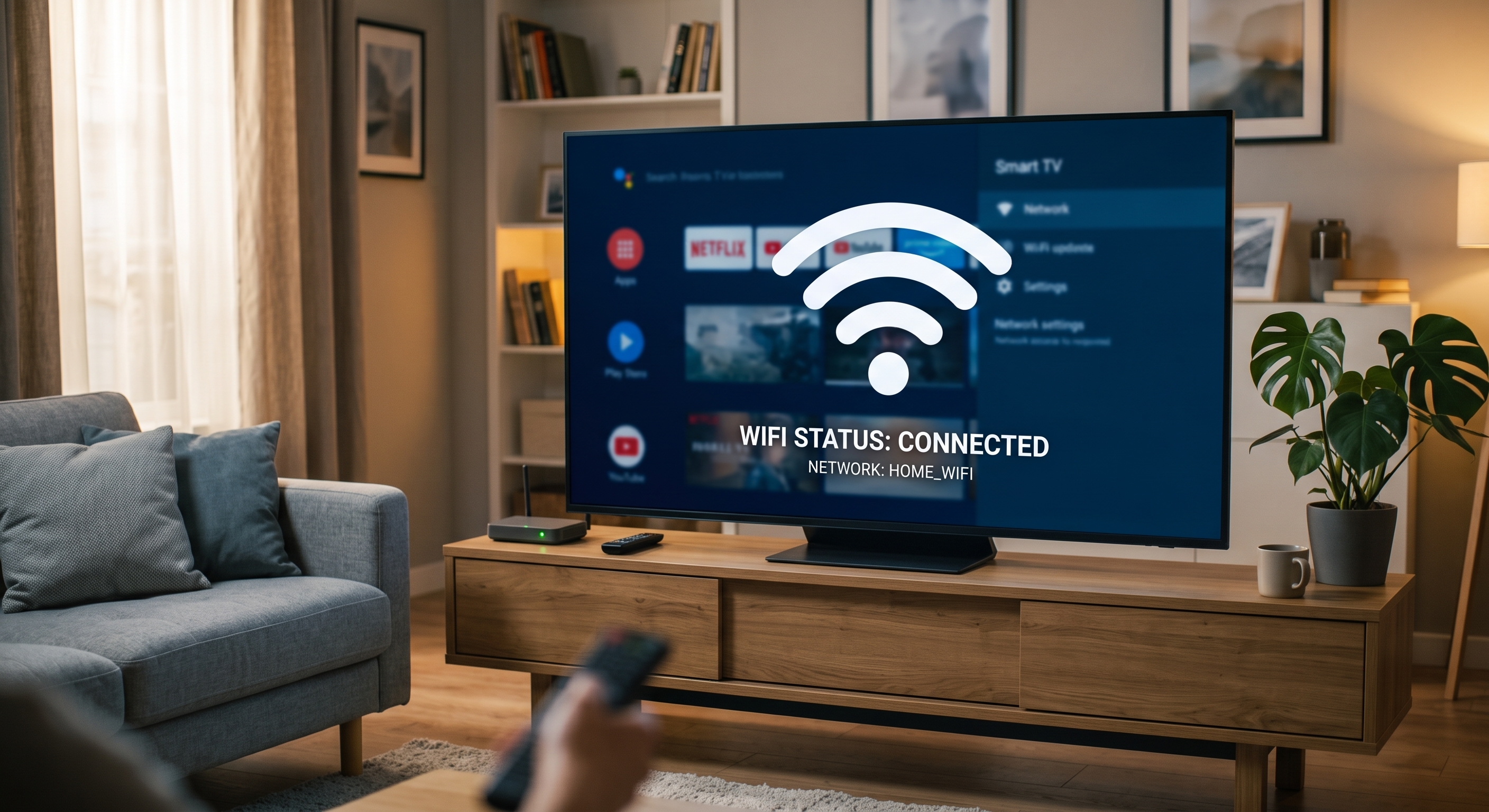
If your Smart TV is close enough to your router, Wi-Fi can work well.
However, an Ethernet connection can provide a more consistent connection in situations where:
- Wi-Fi signal is weak
- Multiple devices use the network
- The router is far from the television
- You experience intermittent buffering
If your IPTV constantly buffers, testing an Ethernet connection can help determine whether Wi-Fi is contributing to the problem.
Why Does IPTV Buffer?
Buffering can happen for several reasons.
Slow internet
Your connection may not have enough available bandwidth.
Weak Wi-Fi
A fast internet package can still experience problems if the TV receives a poor wireless signal.
Network congestion
Heavy internet usage can affect streaming.
Server load
The IPTV server may be under heavy demand.
Device limitations
Older devices may have difficulty decoding higher-quality streams.
Routing issues
The connection between your ISP and the IPTV server can also affect playback.
Therefore, buffering does not automatically mean that the IPTV service is faulty.
How to Reduce IPTV Buffering
Try these steps if you experience playback problems:
Use Ethernet
A wired connection can provide greater stability.
Restart your router
Temporary network issues can sometimes be resolved with a restart.
Stop background downloads
Pause large downloads and other high-bandwidth activities.
Try a lower-quality stream
If Full HD is buffering, test an HD stream.
Test another channel
If only one channel buffers, the issue may be specific to that stream.
Check during different times
If buffering happens primarily during major sporting events, network or server congestion may be involved.
Is IPTV Legal in Pakistan?
This is an important distinction.
IPTV technology itself is simply a method of delivering television content over an IP network.
The legal status of a particular IPTV service depends on whether it has the appropriate rights and authorization to distribute the content it provides.
Pakistan's media regulator, PEMRA, recognizes IPTV as a regulated broadcasting/distribution category and publishes IPTV licensing and operational regulations.
For consumers, the sensible approach is to use services that are transparent about what they provide and the rights associated with their content.
Don't assume that an IPTV service is authorized merely because it advertises a very large number of channels.
Geo IPTV vs Traditional Cable
IPTV and cable television work differently.
| FeatureIPTVCable TV | ||
| Internet required | Yes | Usually no |
| Live channels | Yes | Yes |
| VOD | Often available | Depends on provider |
| Device flexibility | High | Usually TV focused |
| Portability | High | Low |
| Installation | App/device based | Physical connection |
| Internet dependence | High | Lower |
For people with a reliable internet connection, IPTV can provide more flexibility.
Traditional cable may still be preferable for people who mainly want basic television channels without relying on internet connectivity.
IPTV vs Netflix and Prime Video
IPTV should not be confused with conventional OTT streaming services.
Netflix, Prime Video and similar services primarily focus on movies and television shows that users select from an on-demand catalog.
IPTV can provide live television alongside VOD content.
For example:
Netflix: On-demand movies and series
Prime Video: Movies, series and Amazon Originals
IPTV: Live TV channels + VOD, depending on the service
If you are looking for other digital entertainment services in Pakistan, you can browse the entertainment subscriptions available on SubStore.pk.
How to Choose a Geo IPTV Subscription
Before purchasing, consider the following.
1. Check the channel selection
Make sure the channels you actually watch are included.
2. Check device compatibility
Verify that your Smart TV, Android device, Firestick or IPTV box is supported.
3. Consider streaming quality
Look for the quality options relevant to your television and internet connection.
4. Check subscription duration
If you're new to the service, a shorter subscription can be a practical starting point.
5. Understand the activation process
Make sure you understand how the subscription will be delivered and activated.
6. Check customer support
Reliable support is useful when dealing with installation or account issues.
7. Review the terms
Always understand the subscription conditions before purchasing.
Where to Buy Geo IPTV in Pakistan?
If you want to purchase Geo IPTV in Pakistan, there are two relevant sources to distinguish.
SubStore.pk
SubStore.pk currently lists Geo World IPTV Subscription in its IPTV catalog.
The current displayed price is Rs 449.
You can check the Geo World IPTV subscription on SubStore.pk for the latest price and availability.
SubStore also provides a broader catalog of digital subscriptions, which you can explore here.
Official Geo IPTV
The official Geo IPTV service also provides its own subscription plans and trial information through its official website. Its current site advertises monthly, three-month, six-month and yearly plans.
When comparing the two, always check the current price, package details, activation method and support terms before ordering.
We do not recommend purchasing IPTV credentials from random websites or unknown sellers.
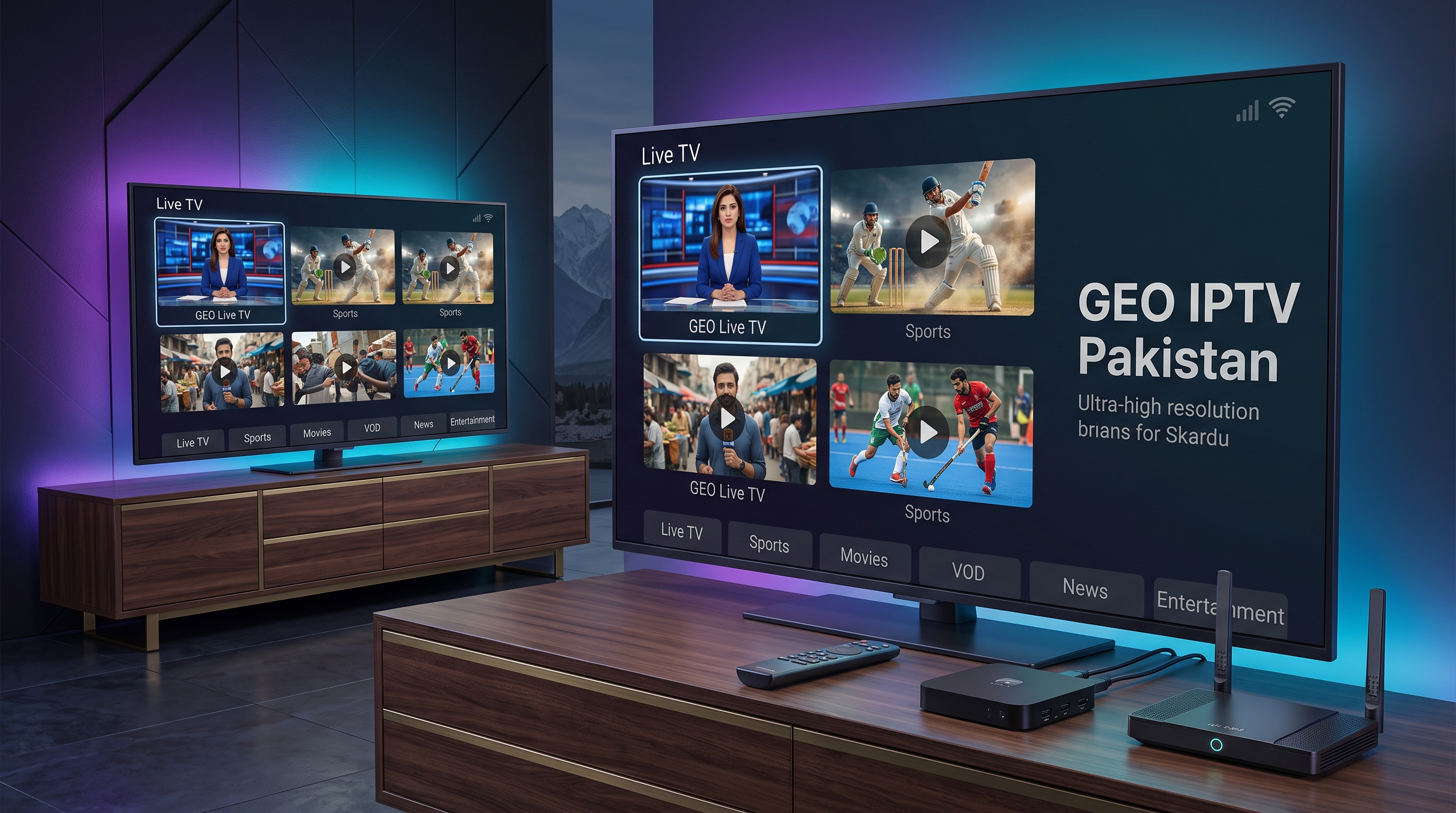
Why Choose SubStore.pk for Geo IPTV?
For customers in Pakistan, SubStore.pk provides a straightforward way to order digital subscriptions online.
The SubStore catalog currently includes a dedicated IP-TV category, alongside entertainment, AI tools, VPN and other digital products.
You can visit SubStore.pk to browse the current catalog.
For Geo IPTV specifically, the current product listing provides an easy way for Pakistani customers to check the available subscription and price.
SubStore.pk offers
- Online ordering
- Digital subscription delivery
- IPTV products
- Entertainment subscriptions
- Multiple digital services
- Customer support
You can view the latest Geo World IPTV listing before placing your order.
Frequently Asked Questions
What is Geo IPTV Pakistan?
Geo IPTV is an internet-based television service that provides live channels and VOD content through compatible IPTV players and devices.
How much is Geo IPTV in Pakistan?
The current Geo World IPTV Subscription on SubStore.pk is listed at Rs 449. Prices can change, so check the current listing before ordering.
Where can I buy Geo IPTV in Pakistan?
You can buy Geo World IPTV through the SubStore.pk listing. The official Geo IPTV service also offers its own plans directly.
Can I use Geo IPTV on Smart TV?
Yes. Current Geo IPTV information lists Smart TVs among supported devices.
Does Geo IPTV work on Android?
Yes. Android phones and Android TV devices are listed among supported platforms.
Can I use Geo IPTV on Firestick?
The official Geo IPTV information lists Amazon Fire Stick among supported devices.
What internet speed is required?
For HD streaming, around 5–10 Mbps of stable bandwidth can be a practical starting point. Higher-quality streams and multiple simultaneous users require more bandwidth.
Does Geo IPTV have movies and series?
Yes. Current Geo IPTV information advertises a large VOD and series library in addition to live television.
Does Geo IPTV include sports?
The service advertises live sports and sports programming, although the availability of particular events or channels can change.
Can IPTV replace cable TV?
For many internet-connected households, IPTV can be an alternative to traditional cable. The suitability depends on your internet connection and preferred channels.
Why is my IPTV buffering?
Possible causes include weak Wi-Fi, slow internet, network congestion, server load, device limitations or routing problems.
Can I use IPTV on multiple devices?
This depends on the specific subscription and connection allowance. Check your package details before attempting simultaneous streams.
Final Verdict: Is Geo IPTV Worth It in Pakistan?
For Pakistani viewers who want a combination of live television, sports, international channels, movies and VOD, Geo IPTV can be an attractive internet-based entertainment option.
The current Geo IPTV service advertises thousands of live channels and a large VOD library, while supporting a wide range of devices including Smart TVs, Android devices, PCs, Fire TV, MAG and M3U-compatible players.
However, IPTV performance depends on more than the number of channels advertised. Your internet connection, device, server performance and network conditions all affect the viewing experience.
If you want to check the option available through SubStore, you can view Geo World IPTV on SubStore.pk.
You can also browse the complete SubStore.pk catalog to see the other digital subscriptions currently available.
Last Updated: August 20, 2026